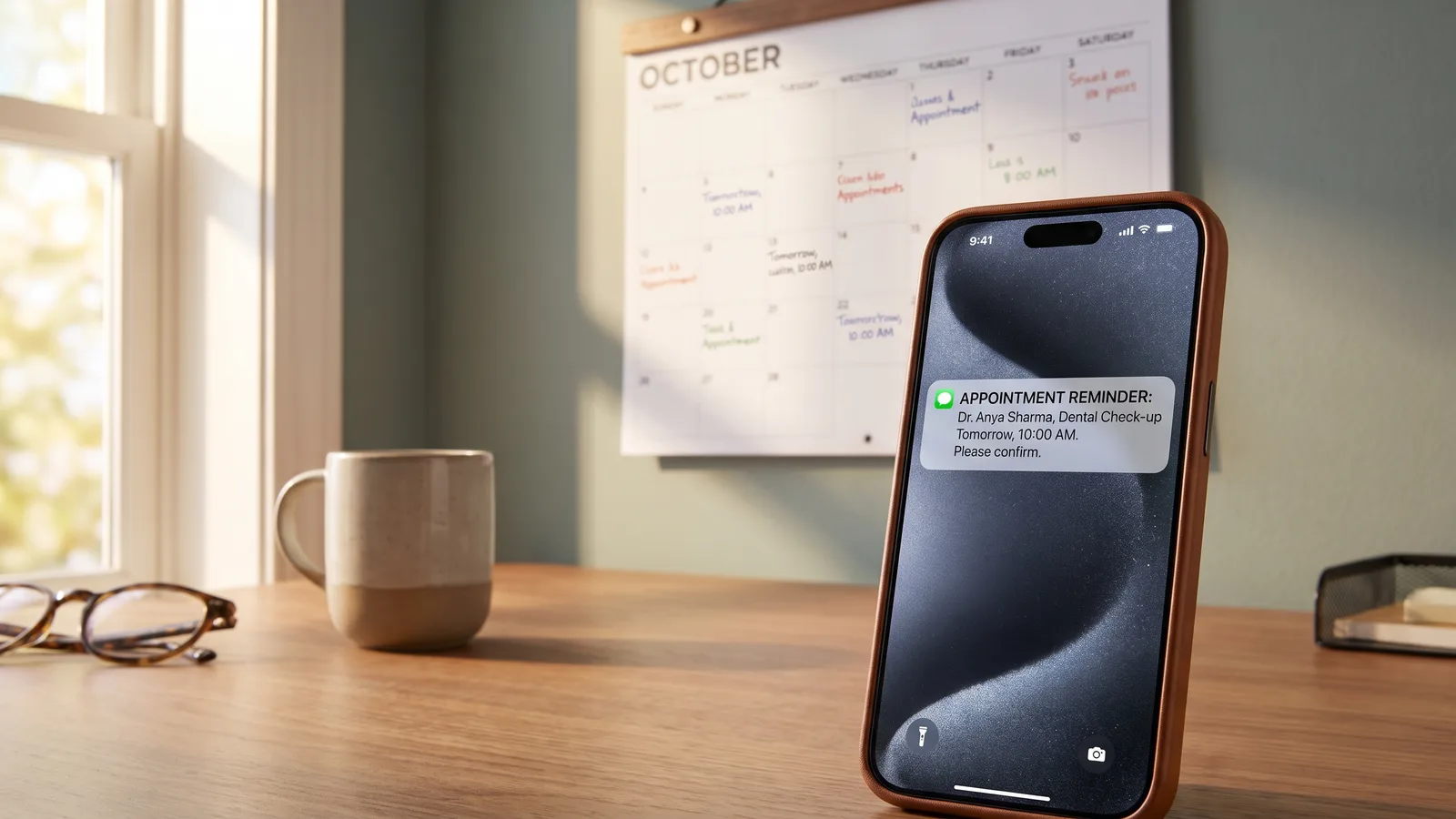
Every no-show is a slot you can never get back: a wasted drive, an idle crew, revenue gone. And every manual confirmation call is time you do not have. Automated appointment reminders solve both problems at once, cutting no-shows sharply while freeing you from the phone tag. Here is how they work and why they pay for themselves fast.
Key takeaways
- No-shows waste an appointment slot you cannot recover, and they add up fast.
- Automated text reminders catch the people who simply forgot, cutting misses significantly.
- A good sequence is confirm at booking, remind the day before, remind a few hours ahead.
- Letting customers confirm or reschedule with one tap keeps your calendar accurate.
What no-shows actually cost you
A missed appointment is not a neutral event. You lose the revenue from that job, you often lose the drive time to and from, and you lose the chance to have booked someone else in that slot. For a service business running a tight schedule, a handful of no-shows a week is a serious dent in the month.
The frustrating part is that most no-shows are not customers changing their minds, they simply forgot. Life got busy and the appointment slipped their mind. A well-timed reminder catches almost all of them.
Why manual confirmation calls do not scale
The old fix is to call and confirm each appointment. It works, but it eats hours: dialing, leaving voicemails, playing phone tag, updating the calendar. On a busy day those calls are the first thing to get skipped, which is exactly when no-shows spike. Manual confirmation does not scale, and it pulls you away from the actual work.
How automated reminders work
An automated system sends the right message at the right time without you touching it:
| When | Message |
|---|---|
| At booking | "You're confirmed for [service] on [date] at [time]." |
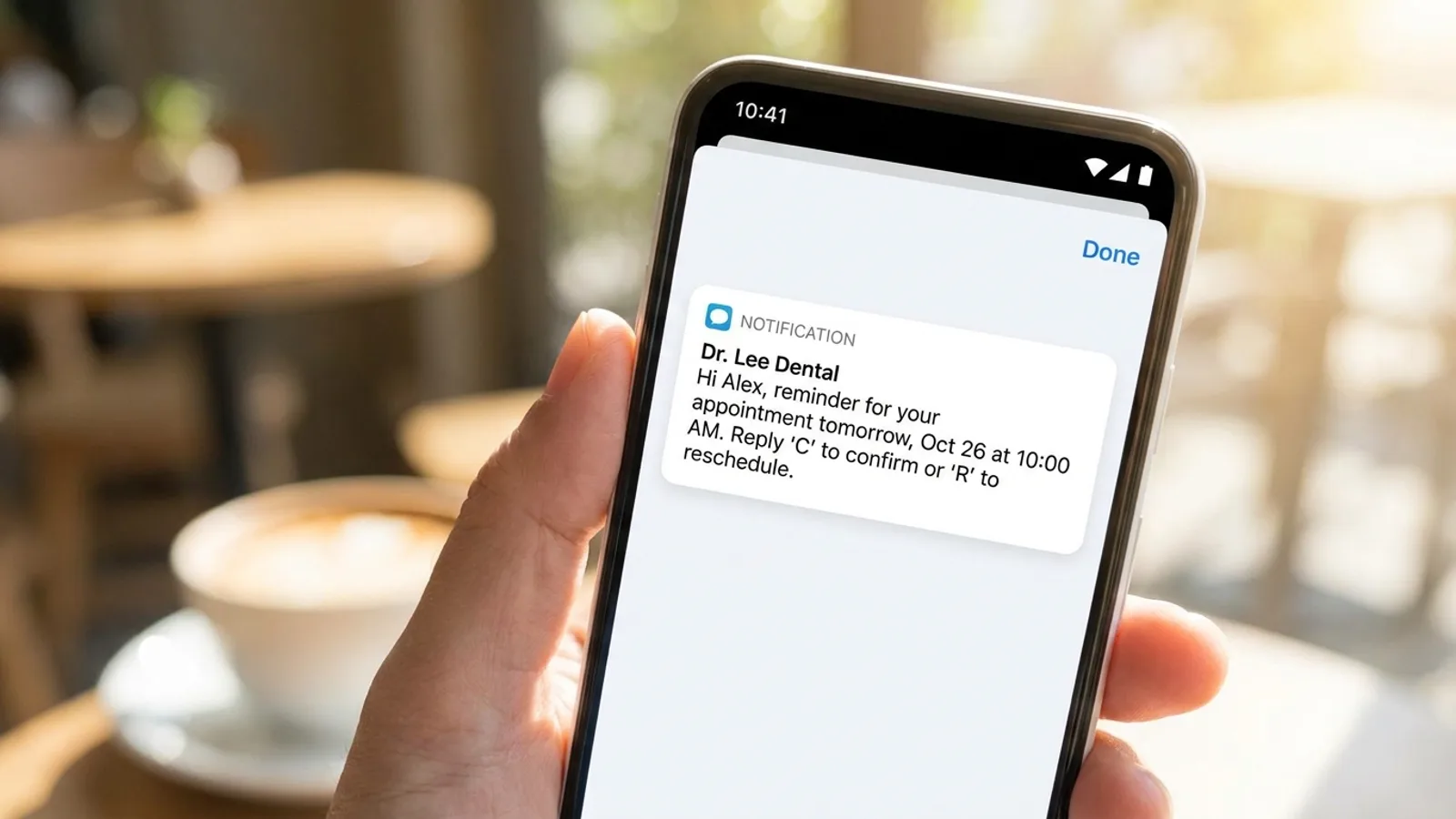
| Day before | "Reminder: we'll see you tomorrow at [time]. Reply C to confirm or R to reschedule." |
| A few hours before | "See you soon at [time]. Text us if anything changes." |
Because these go out by text, they get read within minutes, unlike emails and voicemails that sit unseen. Customers can confirm, reschedule, or cancel with a quick reply, which keeps your schedule accurate and cuts the back-and-forth.
The payoff: fewer misses, more time
Two clear wins:
- Fewer no-shows. A timely reminder recovers the appointments that would have been forgotten. Even a modest reduction in no-shows is real money back in your pocket every week.
- Hours saved. No more manual confirmation calls. The system does it flawlessly while you focus on the work.
There is a quieter benefit too: reminders make you look organized and professional. Customers notice when a business runs smoothly, and it builds the kind of trust that earns repeat work and referrals.
Keep it customer-friendly
A few rules keep reminders welcome rather than annoying:
- Only text people who booked with you and agreed to reminders.
- Keep them short and clear, time, service, and an easy way to confirm or change.
- Offer an easy opt-out, and honor it.
- Make rescheduling painless, a quick reply beats a phone call for everyone.
Where reminders fit in your systems
Appointment reminders are one piece of a complete follow-through system. Once instant response captures the lead (instant callback, missed-call text-back) and books the job, reminders make sure the appointment actually happens. Afterward, review automation turns the completed job into a fresh five-star review. Each piece protects the revenue the last one earned, all organized in your CRM.
The bottom line
No-shows and confirmation calls quietly drain time and money from service businesses. Automated appointment reminders cut missed appointments sharply and free you from the phone tag, while making your business look more professional. Given a wasted slot can never be recovered, reminders are one of the easiest systems to justify.
Want fewer no-shows and no more confirmation calls? Request a free audit and we will wire automated reminders into your booking and lead systems.