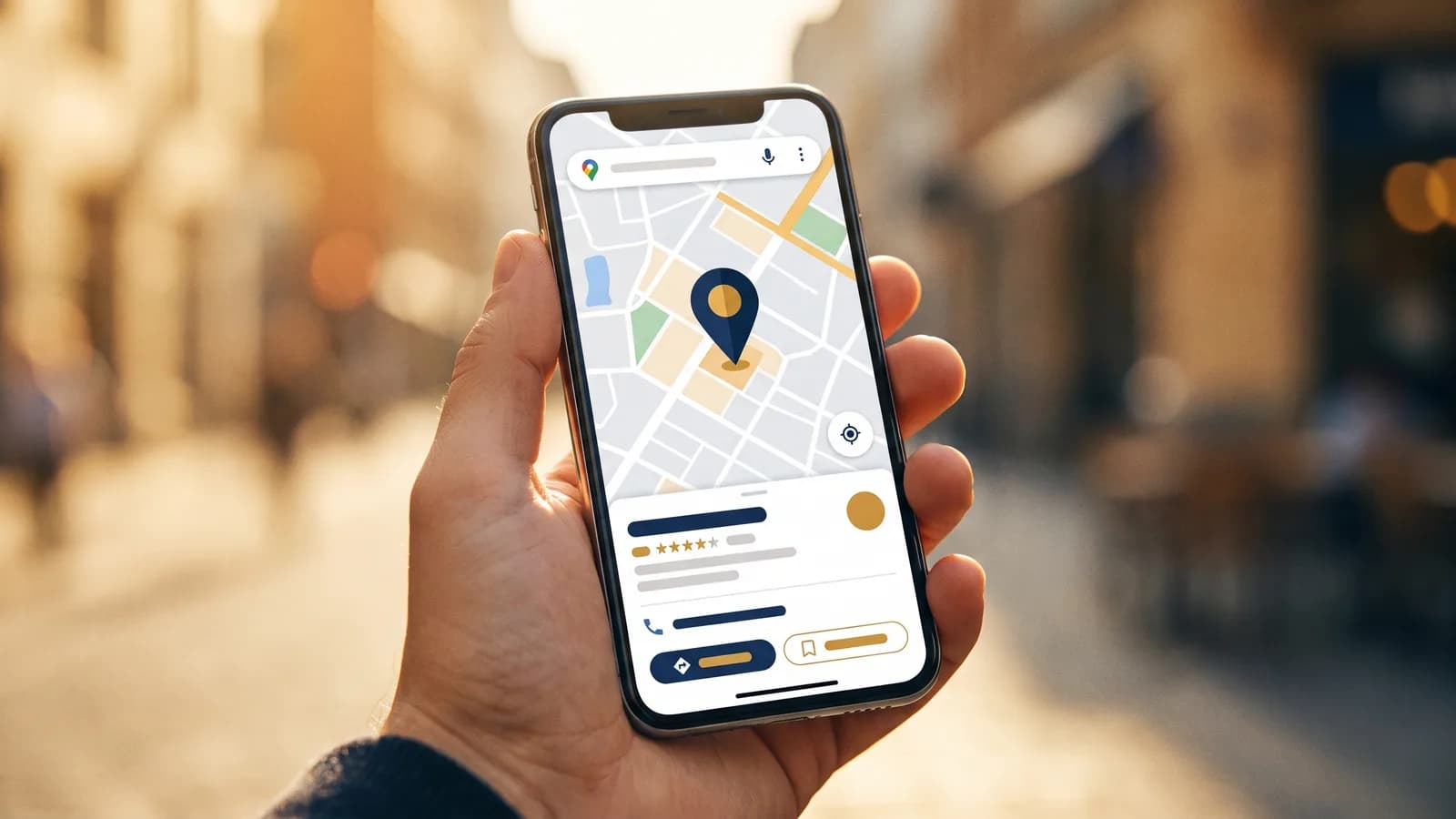
Your Google Business Profile is the single most important free tool in local search. It's the listing that puts your business in Google Maps and the Map Pack, the box of three businesses that sits at the top of local results, and it's usually the first thing a customer sees before they ever reach your website. This guide walks through setting it up and optimizing it, step by step.
Key takeaways
- A Google Business Profile is free and drives the Map Pack and Maps listing.
- Categories, reviews, photos, and complete information are the biggest ranking levers.
- Proximity, relevance, and prominence decide who ranks; you control relevance and prominence.
- Your profile and your website work together, one drives the map, the other converts and supports it.
- Consistency wins: steady reviews and fresh activity beat a profile that went quiet.
What is a Google Business Profile?
A Google Business Profile (formerly Google My Business) is the free listing that lets your business show up in Google Search and Google Maps. It displays your name, hours, phone number, website, reviews, photos, services, and more.
When someone searches "plumber near me" or "roofer in [your city]," the businesses in that map box are pulling their information straight from their Business Profiles. If you want to appear there, an optimized profile is non-negotiable. It's the foundation of the broader strategy we lay out in local SEO for contractors.
Why does the Google Business Profile matter so much?
Because of where it appears and who sees it. The Map Pack sits above the regular blue links and captures an outsized share of clicks and calls, and the people clicking are high-intent, often ready to hire. A strong profile means being in front of those customers at the exact moment they're deciding.
It's also free. Unlike ads, appearing in the local results costs nothing but the effort of setting it up well.
How do I claim and verify my profile?
- Go to Google and search your business name, or visit the Google Business Profile page.
- If a listing already exists, click to claim it; if not, create one.
- Enter accurate business details.
- Verify ownership, usually by phone, email, video, or postcard.
Verification is essential. An unverified profile has limited features and won't rank well. Follow Google's current steps in the Business Profile Help Center.
How do I choose the right categories?
Categories are one of the strongest relevance signals, so get them right:
- Pick the most accurate primary category (for example, "Roofing contractor," not just "Contractor").
- Add relevant secondary categories for other services you offer.
- Don't stuff unrelated categories, it dilutes relevance and can trigger problems.
Your primary category has the biggest impact on what searches you show up for, so choose the one that matches your core money service.
What information should I fill out?
All of it. A complete profile ranks better and converts better. Make sure you have:
- Exact business name (no keyword stuffing, that violates Google's guidelines).
- Name, address, and phone (NAP) identical to your website and other listings.
- Hours, including holiday hours.
- Services with descriptions.
- Service areas for the cities and towns you cover.
- A business description with your services and area, written for humans.
- Attributes (for example, "family-owned," "free estimates").
How important are photos?
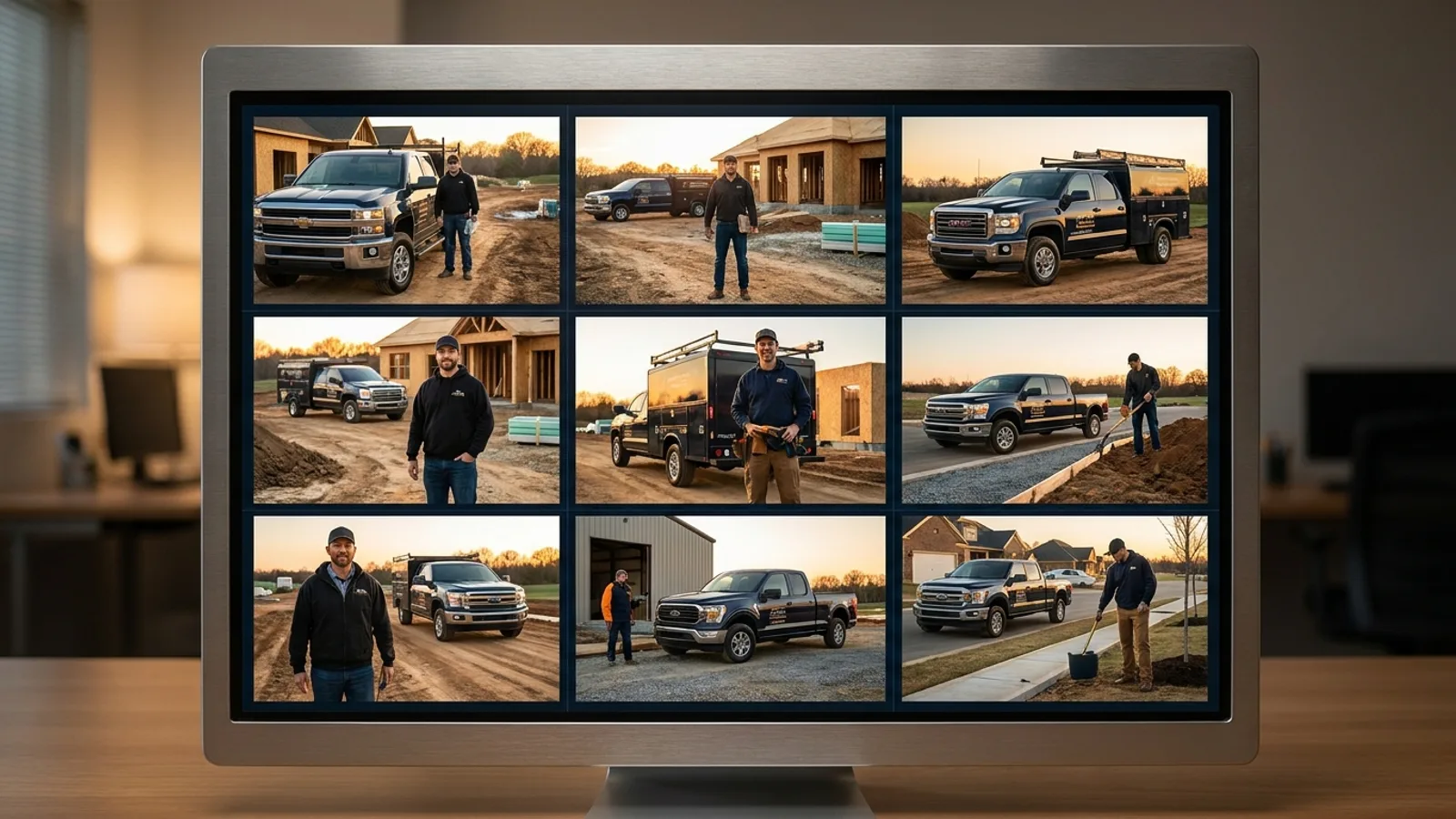
Very. Profiles with real photos get significantly more clicks and calls than those without. Add genuine photos of your work, your team, your trucks, and your storefront if you have one, and keep adding new ones over time. Fresh photos signal an active business.
Avoid stock imagery where you can; authentic photos build the trust that wins the call.
How do reviews affect my ranking?
Reviews are one of the strongest prominence signals, and they're what customers read before they call. Two things matter most:
- Volume: how many reviews you have.
- Recency: how fresh they are.
A profile with steady, recent reviews outranks one that went quiet months ago. The hard part is consistency, which is why automating the ask right after each completed job is so effective. That's the whole point of review automation, and we cover the strategy in how to get more Google reviews.
You should also respond to reviews, all of them. It signals an engaged business and is a small ranking and trust factor. For the tough ones, see how to respond to negative reviews.
What are Google Posts, and should I use them?
Google Posts are short updates, like offers, news, or events, that appear on your profile. They won't single-handedly move rankings, but they keep your profile active and give searchers a reason to choose you. Posting regularly is a low-effort way to signal that your business is alive and engaged.
How does Google decide who ranks in the Map Pack?
Google weighs three factors:
| Factor | What it means | Can you control it? |
|---|---|---|
| Proximity | How close you are to the searcher | Limited (set accurate service areas) |
| Relevance | How well you match the search | Yes (categories, services, content) |
| Prominence | How known and trusted you are | Yes (reviews, activity, links) |
You can't move your address, but you have real control over relevance and prominence, which is where the work pays off. We go deeper in how to rank in the Google Map Pack.
Does my profile replace my website?
No, they work together. Your Business Profile drives the map listing; your website supports your ranking, converts the visitor into a call, and lets you target multiple services and cities that a single profile can't. A fast, well-structured site with pages for each service and city, like our Central Florida and Tampa Bay location pages, reinforces everything your profile is doing.
Why is my Google Business Profile not showing up?
The usual culprits:
- The profile is unverified or suspended.
- The primary category is wrong or missing.
- Information is thin or inconsistent (mismatched NAP).
- You have low prominence (few reviews) in a competitive area.
Fix verification and completeness first, then focus on steadily building reviews and activity.
A Google Business Profile checklist
- Claim and verify your profile.
- Set the correct primary and secondary categories.
- Fill out every field, with NAP matching your website exactly.
- Add real photos, and keep adding them.
- Turn on a system that requests a review after every job.
- Respond to every review, positive and negative.
- Post updates regularly.
- Support it all with a fast website structured around your services and cities.
The bottom line
Your Google Business Profile is the free foundation of local search. Claim it, complete it, choose the right categories, gather steady reviews, and keep it active, then back it with a fast website, and you'll climb the Map Pack in your area.
Want us to handle the whole local-search setup? Request a free audit and we'll review your profile, website, and local competitors, then show you exactly what to fix first.